
The Technical Education and Skills Development Authority (TESDA) is now offering free online courses on artificial intelligence (AI) and digital skills through its online learning platform.
TESDA Free Online Courses 2026
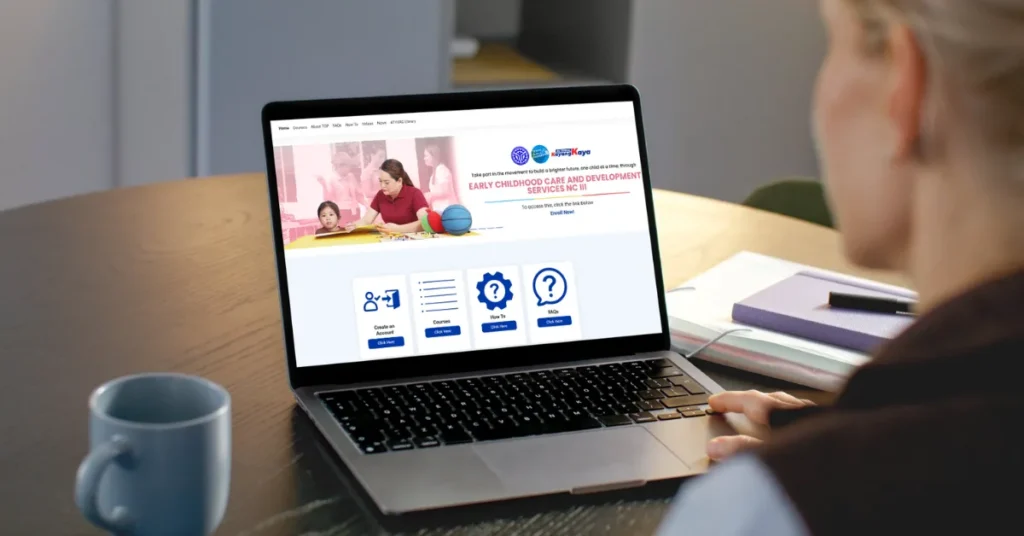
TESDA announced on May 26 that AI courses are now available on the TESDA Online Program (TOP) through its partnership with UNESCO-UNEVOC and the HP Foundation. The courses are designed to equip Filipinos with the skills needed to remain competitive and adaptable in the future of work.
“As industries continue to transform through technology and innovation, it is important that Filipinos are equipped with the skills needed to remain competitive and adaptable in the future of work,” said TESDA Secretary Jose Francisco Benitez.
Enrollment in the TESDA Online Program is free, and learners will receive a certificate of completion upon finishing a course. They may also take a face-to-face assessment for national certification at any TESDA-accredited assessment center or venue.
What are the available courses?
TESDA now offers the following AI courses through its partnership with UNESCO-UNEVOC and the HP Foundation:
- Introduction to AI concepts;
- Responsible AI use; and
- Practical applications of AI in business and everyday work settings.
Apart from AI courses, TESDA also offers free courses on the following:
- Content creation for social media;
- Graphic design;
- Digital marketing;
- Gender and development;
- Human health;
- Beauty care; and
- Other courses available on the platform.Content creation for social media;
- Graphic design;
- Digital marketing;
- Gender and development;
- Human health;
- Beauty care; and
- Other courses available on the platform.
How to enroll in TESDA Online Program
Make sure to prepare your account details before enrolling. Then, follow the steps below:
Step 1: Create an account on the TESDA Online Program through the official TESDA website.
Step 2: Log in to your account and click on the course you want to enroll in.
Step 3: Select the module you wish to take.
Step 4: On the left side of the navigation pane under the administration panel, choose “Enroll me in this course.”
Note: You can access the courses via web on desktop and on your Android or iPhone through the TOP Mobile app.
➜ Follow us on Facebook and join our Broadcast Channel for real-time updates.